To reset a GE dishwasher, press and hold Start/Reset (or Start) for about 3 seconds to cancel the cycle; the dishwasher drains for roughly 75 seconds. For a full reset, turn off the dishwasher’s circuit breaker (or unplug it) for 1–5 minutes, then restore power. If it won’t turn on at all, check for the control lock, a tripped breaker or GFCI, a wall switch, and an unlatched door. For error codes and cleaning or draining problems, see our full GE dishwasher troubleshooting guide.
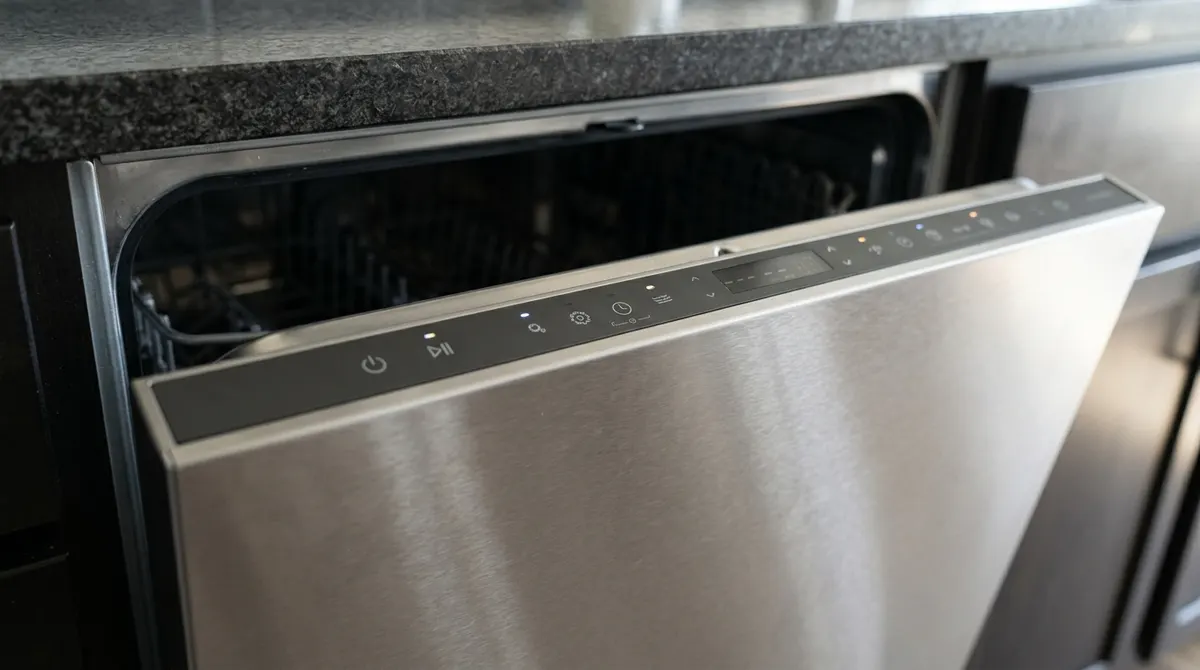
Safety: Turn off power at the breaker before removing the kick plate or touching any wiring. If you smell burning or see scorched wires, leave the power off and call an appliance technician.
3 Ways to Reset a GE Dishwasher
| Method | When to use it | How |
|---|---|---|
| Start/Reset button | Cancel a cycle, clear a stuck program | Hold Start/Reset ~3 sec; let it drain, close door |
| Power cycle (hard reset) | Frozen panel, blinking lights, glitches | Breaker off or unplug 1–5 min, then back on |
| Unlock controls | Buttons don’t respond, lock light on | Hold the lock key (often Heated Dry or Lock) 3 sec |
Reset with the Start/Reset Button
- Open the door enough to reach top controls, or use the front panel.
- Press and hold Start/Reset (or Start, or Cancel on some models) for 3 seconds.
- Close the door and let the dishwasher drain for about 75 seconds.
- Select a cycle and press Start, then close the door within 4 seconds on top-control models.
Hard Reset (Power Cycle)
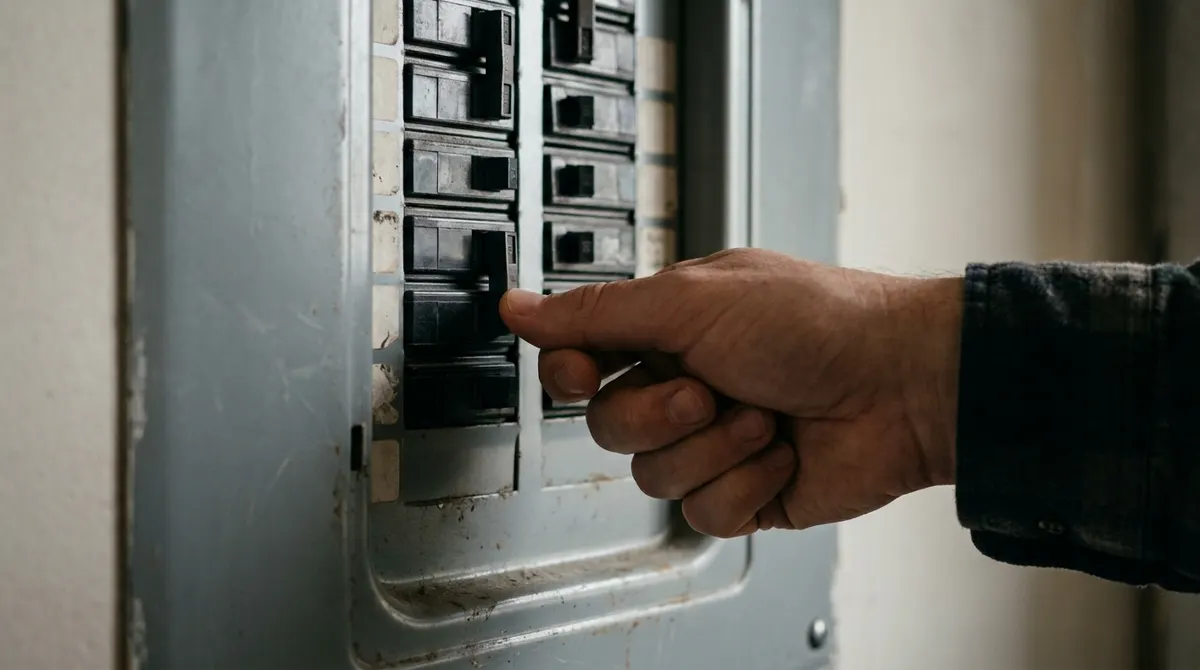
- Switch off the breaker labeled for the dishwasher (or unplug it under the sink).
- Wait 1–5 minutes.
- Turn the power back on and run a short cycle to test.
GE Dishwasher Won’t Turn On: Checklist
- Control lock: If you see a lock icon or ‘LOC’, press and hold the lock key (often Heated Dry or a key with a padlock) for 3 seconds.
- Power: Check the breaker, any GFCI outlet in the kitchen (press Reset), and the wall switch some homes use for the dishwasher or disposal.
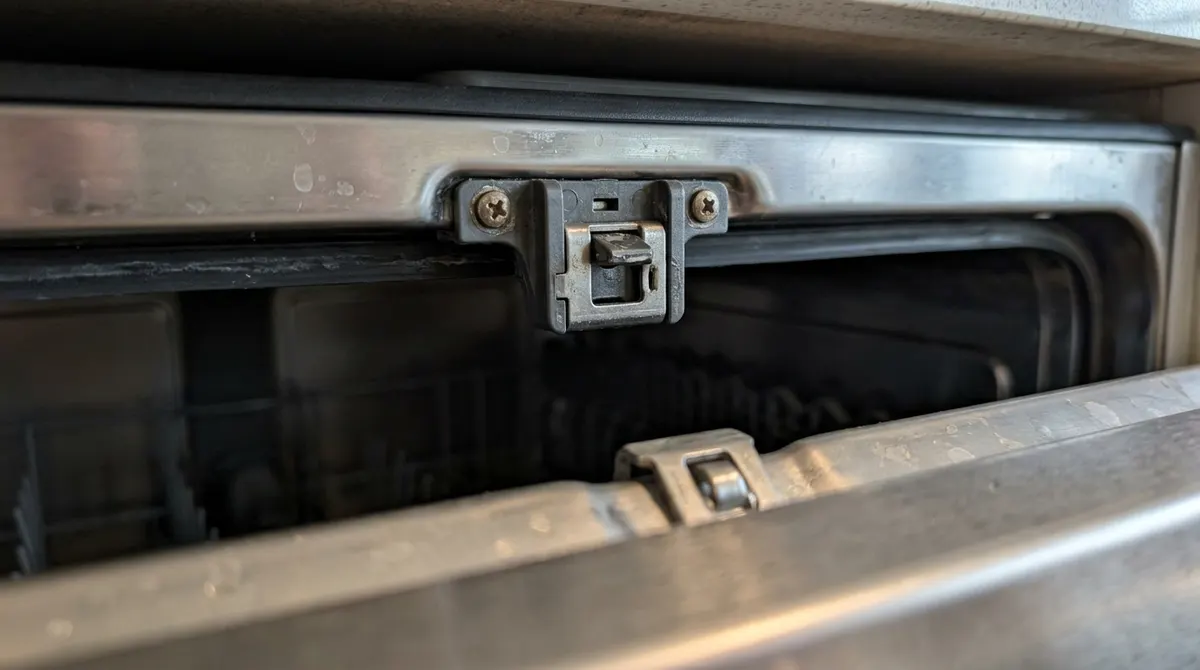
- Door latch: The door must click fully closed. Remove items blocking it and look for a broken latch.
- Delay start: A delay-hours light means it’s waiting—cancel with Start/Reset.
- Sabbath mode: Some models enter it accidentally; see your manual to exit.
- Thermal fuse or control board: If there are no lights after all of the above, a blown thermal fuse, failed door switch or control board is likely—call a technician.
Resetting vs Repair
Pros
- Resets fix most frozen panels for free
- No tools needed for button or breaker resets
- Quick to try before calling for service
Cons
- Won’t fix failed parts like fuses or boards
- Repeated tripping breakers point to a wiring fault
- Board replacement can cost $150–$400
Still stuck? Our GE dishwasher troubleshooting guide covers error codes, draining and cleaning problems. For leaks under the sink, see kitchen sink repair.
Frequently Asked Questions
Is there a reset button on a GE dishwasher?
There’s no separate reset button. The Start/Reset (or Start) button cancels and resets cycles, and a breaker power cycle performs a full reset.
Why is my GE dishwasher not turning on but has power?
Most often the control lock is on, the door isn’t latched, or a delay start is set. A failed door switch or control board is the next suspect.
How do I turn off the control lock on a GE dishwasher?
Press and hold the lock key—often Heated Dry or a key showing a padlock—for about 3 seconds until the lock light goes off.
Why does my GE dishwasher keep blinking?
Blinking Start or Clean lights usually mean an interrupted cycle or a door opened mid-cycle. Hold Start/Reset for 3 seconds, close the door and restart.
When should I call a technician?
Call if there are no lights after checking power, the breaker trips repeatedly, you smell burning, or the reset doesn’t fix the problem.