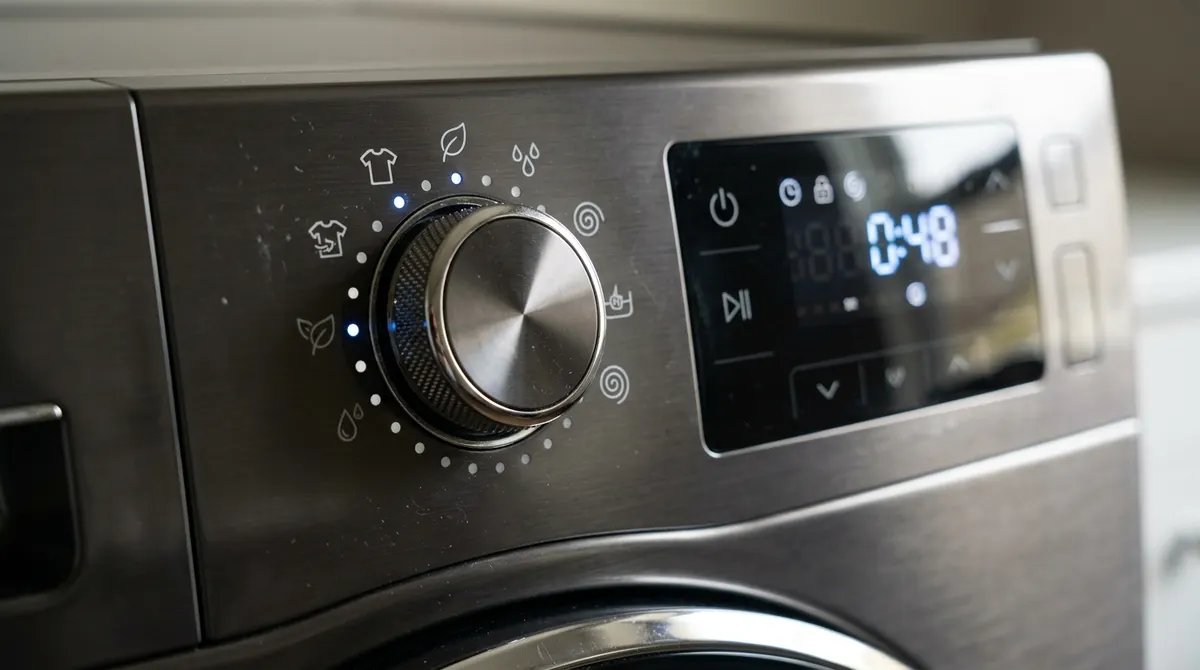
To self clean a Samsung washer, empty the drum, select Self Clean (called Pure Cycle or Self Clean+ on some models) with the dial or its dedicated button, and press Start—no detergent needed. Samsung says the cycle takes about 1 hour on top-load washers and up to about 4 hours on front loaders, and recommends running it roughly once a month or whenever the Self Clean light comes on.
Safety: For a deep clean, use only liquid chlorine bleach in the detergent compartment, and never add vinegar, ammonia or other cleaners in the same cycle—mixing bleach with them can release toxic gas. Unplug the washer before opening the pump filter area.
How to Run Self Clean
- Remove all clothes from the drum.
- Turn the cycle dial to Self Clean or Pure Cycle, or press the Self Clean button (on some models you hold it for a few seconds).
- Leave the detergent dispenser empty.
- Press Start (or Start/Pause).
- When it finishes, wipe the drum and leave the door or lid open to dry.
- If suds or residue appear, run the cycle again.
No Self Clean on your model? Samsung says to check the user manual—some washers use a Normal cycle with an empty drum instead.
Top Load vs Front Load
| Top load | Front load | |
|---|---|---|
| Typical cycle time | About 1 hour | Up to about 4 hours |
| Reminder light | Many models after about 20 washes | Many models after about 40 washes |
| Extra areas to clean | Lid, rim, dispenser | Door gasket, drawer, pump filter |
| Drying | Leave lid open | Leave door and drawer open |
Deep Clean with Bleach for Odors
- Run a Spin-only cycle on the empty washer to drain standing water.
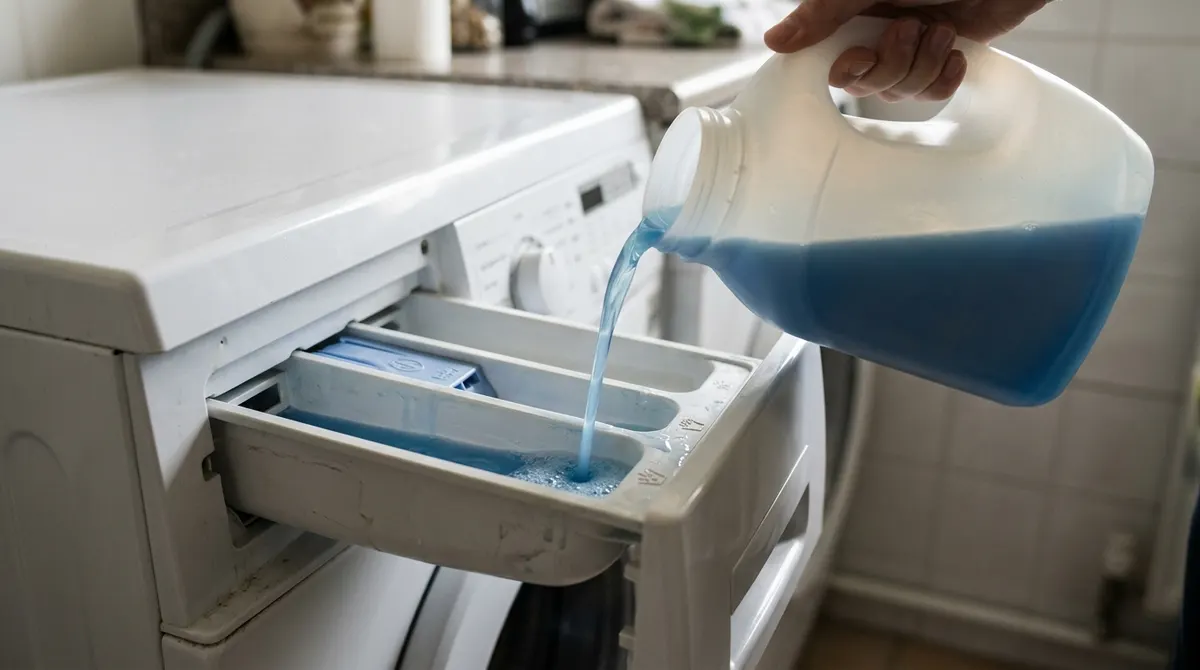
- Pour liquid chlorine bleach into the detergent compartment up to the MAX line.
- Start Self Clean (or Pure Cycle) right away.
- Wipe the drum with paper towels when it ends.
- Run Rinse + Spin to clear any bleach, repeating if you still smell it.
Clean the Gasket, Drawer and Filter
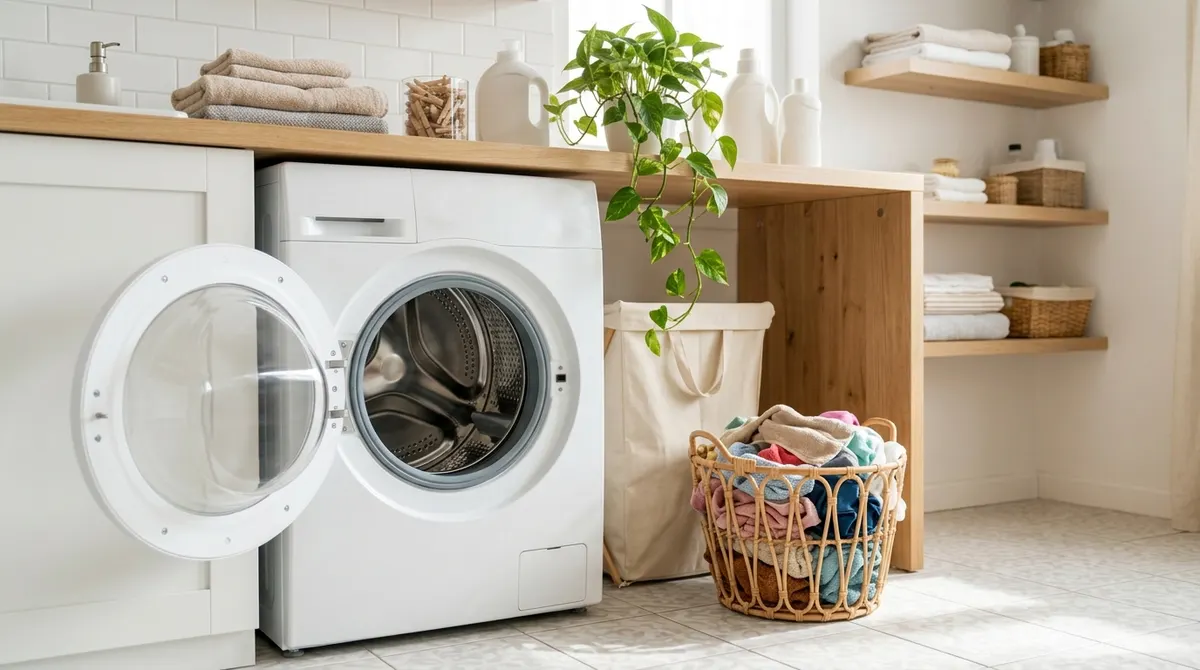
- Door gasket (front load): pull back the rubber and wipe out hair, lint and grime
- Dispenser drawer: remove and rinse under warm water
- Pump filter (front load): clean about monthly—see how to clean a washing machine filter
- Detergent: use HE detergent at or below the recommended dose to limit residue
Self Clean Pros and Cons
Pros
- Needs no added product
- Bleach deep clean tackles musty odors
- A monthly routine keeps mildew from building up
Cons
- Front-load cycle can take hours
- Doesn’t clean the gasket or filter
- Heavy residue may need several cycles
Frequently Asked Questions
Do I put anything in the Samsung Self Clean cycle?
Usually no. Samsung says no added cleaner is needed. For persistent odors, add liquid chlorine bleach to the detergent compartment for a deep clean.
How often should I run Self Clean?
About once a month, or when the Self Clean indicator lights up.
Can I use vinegar in Self Clean?
Samsung’s guidance covers no cleaner or bleach only. Check your manual before using vinegar, and never combine it with bleach.
Why is the Self Clean light on?
It’s a reminder that a cleaning cycle is due. Running Self Clean typically turns it off.
Can I stop Self Clean early?
Yes, with Start/Pause or the power button, but the door may stay locked until the water drains. It’s best to let it finish.