If your LiftMaster garage door opener isn’t working, check the basics first: make sure the motor unit is plugged in and the breaker is on, turn off Lock mode on the wall control, clean and realign the safety sensors near the floor, replace the remote battery, and make sure the emergency release hasn’t disconnected the trolley. Most problems are fixed by one of these. If the opener hums but the door won’t move, or springs or cables look damaged, call a professional.
9 Common LiftMaster Problems and Fixes
1. No Power
Check that the motor unit is plugged in, test the outlet with another device, and check the breaker or GFCI outlet.
2. Lock Mode Is On
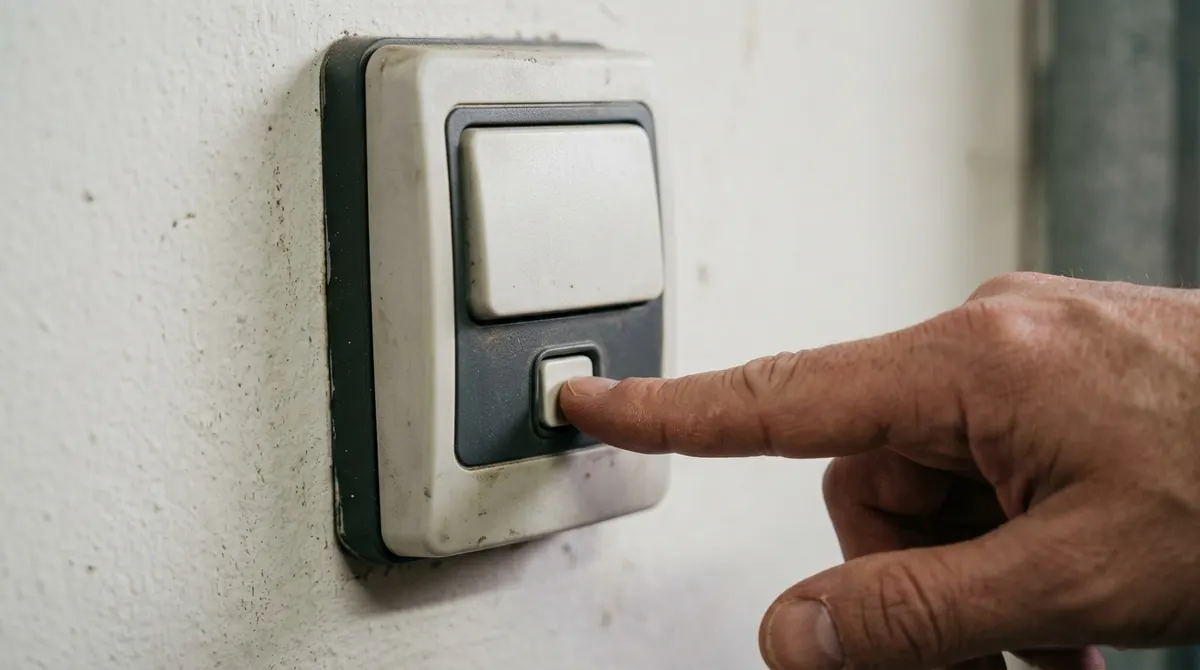
If the wall button works but remotes don’t, lock (vacation) mode may be on. On many LiftMaster wall controls, press and hold the lock button for a few seconds until the indicator changes.
3. Safety Sensors Blocked or Misaligned
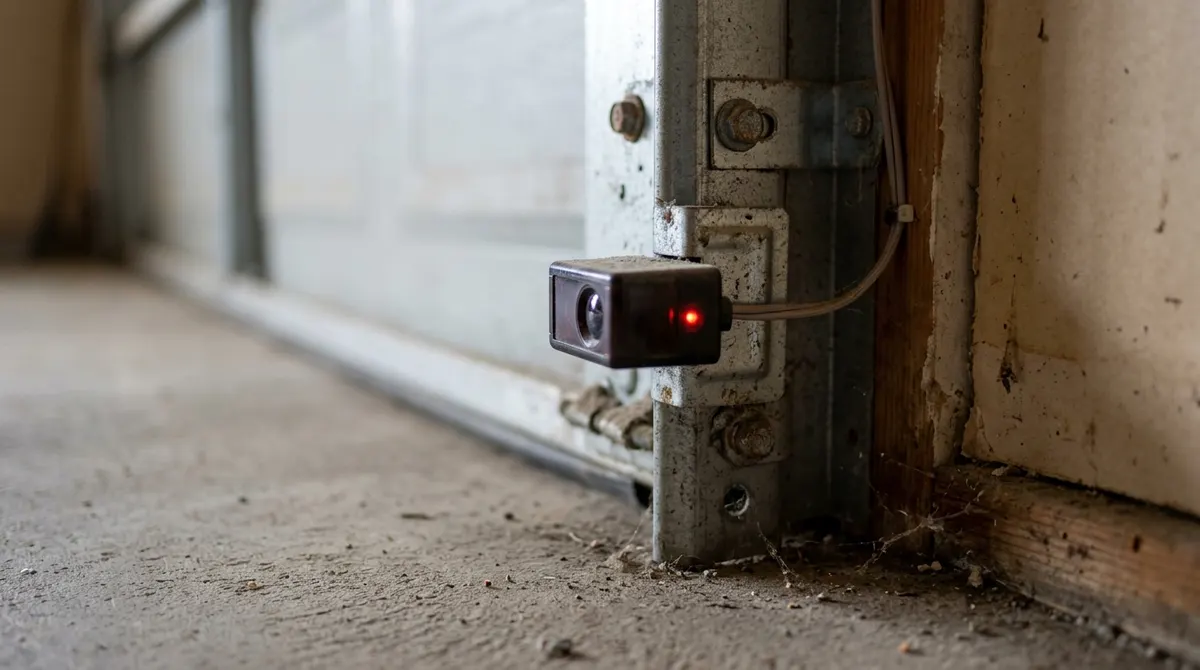
If the door starts to close then reverses—or won’t close and the opener lights flash—check the photo-eye sensors on each side of the door near the floor:
- Remove anything blocking the beam.
- Wipe the lenses clean.
- Loosen the bracket and adjust until both indicator LEDs glow steadily.
- Check the wires for damage.
4. Dead Remote Battery
Replace the battery. If the remote still doesn’t work, reprogram it—see how to program a garage door opener.
5. Remote Out of Range
Straighten the motor unit’s antenna, and check for LED bulbs near the opener that can cause radio interference.
6. Emergency Release Pulled
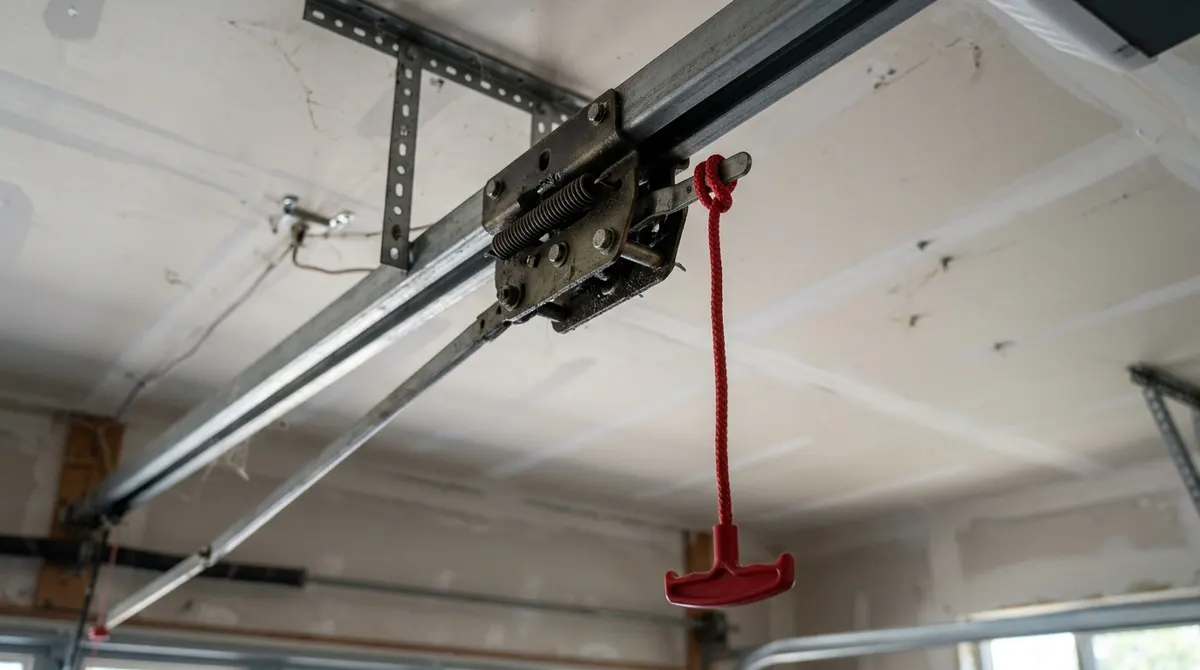
If the motor runs but the door doesn’t move, the trolley may be disconnected. Close the door manually if possible, then run the opener—the trolley should reconnect (or pull the cord toward the door depending on your model).
7. Travel Limits Need Adjusting
If the door stops short or reverses after touching the floor, the travel limits may need adjustment. Newer models use up/down limit buttons on the motor unit; follow your manual.
8. Door Is Binding
Disconnect the opener and lift the door by hand. If it’s very heavy or sticks, the springs, rollers, or tracks need service from a professional.
9. Error Codes
Many LiftMaster openers flash a diagnostic code with the learn LED or opener lights. Count the flashes and look up the code in your model’s manual or on the manufacturer’s support site.
How to Reset a LiftMaster Opener
- Unplug the motor unit for about 30 seconds, then plug it back in.
- If remotes are misbehaving, press and hold the Learn button until the LED turns off to erase codes, then reprogram your remotes and keypad.
DIY Fix vs Professional
Pros
- Power, lock mode, sensors and remotes are easy DIY fixes
- No tools needed for most checks
- Saves a service call
Cons
- Broken springs and cables are dangerous
- Logic board or motor failures need parts
- Old openers may be better replaced