To program a garage door opener remote, press and release the “Learn” button on the opener motor unit, then within 30 seconds press and hold the button on your remote until the opener light blinks or you hear a click. Test the remote. That method works for most LiftMaster, Chamberlain, and Craftsman openers made since the 1990s; Genie and older models use slightly different steps covered below.
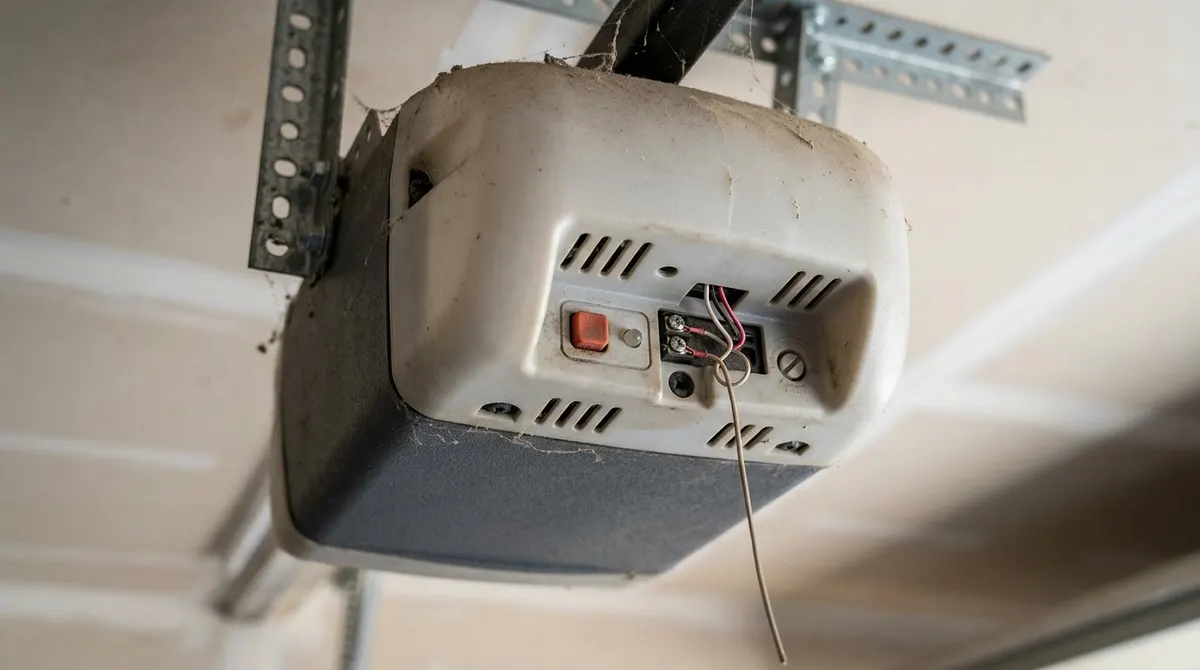
Before You Start
- A sturdy step ladder to reach the motor unit
- The remote or keypad, with a working battery
- Your opener’s brand and model (on a label on the motor unit)
- The opener’s manual, if you have it—model numbers matter
Find the Learn Button
Look on the back or side of the motor unit, often under a light cover. The button’s color tells you the radio technology on LiftMaster, Chamberlain, and Craftsman openers:
| Learn button color | Typical technology | Compatible remotes |
|---|---|---|
| Yellow | Security+ 2.0 | Remotes with a yellow learn button |
| Purple | Security+ (315 MHz) | Purple-button remotes |
| Red / orange | Security+ (390 MHz) | Red/orange-button remotes |
| Green | Billion Code (older) | Green-button remotes |
If your remote doesn’t match the opener’s technology, it won’t program—buy a compatible or universal remote.
How to Program a Garage Door Remote (Learn Button Method)
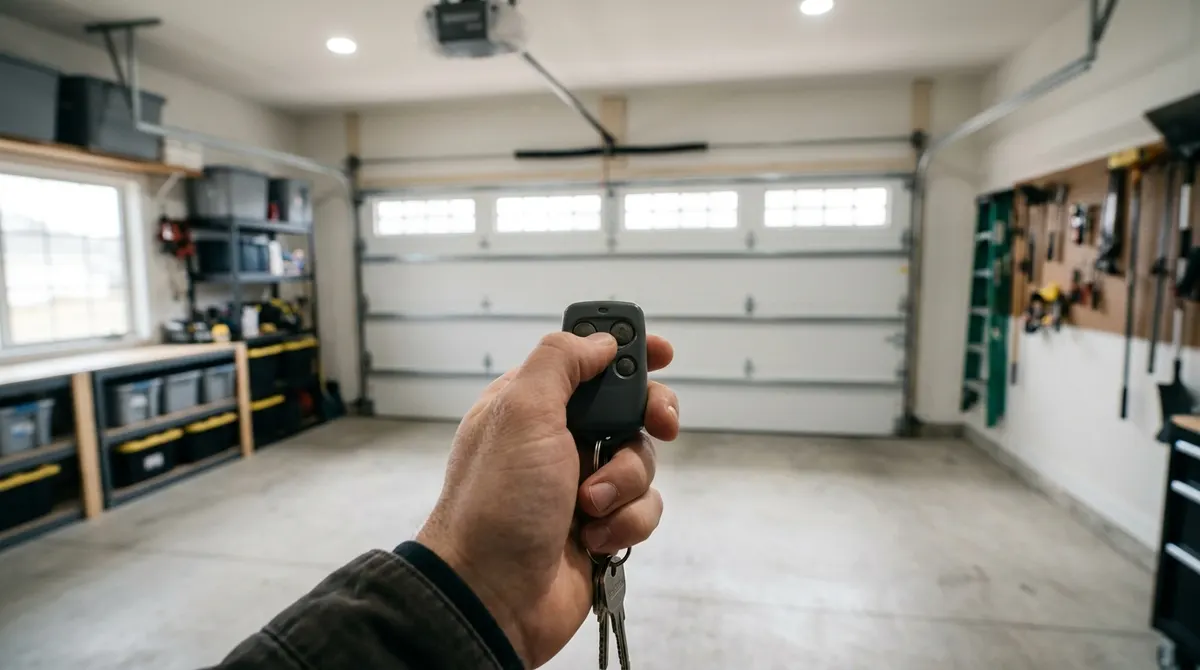
- Press and release the Learn button on the motor unit. The indicator LED will light up for about 30 seconds. (Don’t hold it—holding for 6+ seconds can erase all codes.)
- Within 30 seconds, press and hold the button on your remote that you want to use.
- Release when the opener lights blink or you hear two clicks.
- Press the remote button again to test. The door should move.
- Repeat for each additional remote.
How to Program a Genie Garage Door Opener
Many newer Genie openers with Intellicode work like this:
- Press and hold the Program/Learn button on the motor unit until the long LED turns purple, then release.
- Press the remote button you want to use 3 times, pausing between presses, until the LED turns blue / the opener light flashes.
- Press the remote button again to test.
Steps vary by Genie model and age, so check your manual or the label on the unit if this doesn’t work.
How to Program a Wireless Keypad
- Press and release the Learn button on the motor unit.
- Within 30 seconds, enter a 4-digit PIN of your choice on the keypad.
- Press and hold the Enter button until the opener lights blink.
- Test by entering your PIN and pressing Enter.
How to Program a Garage Door Opener to Your Car (HomeLink)
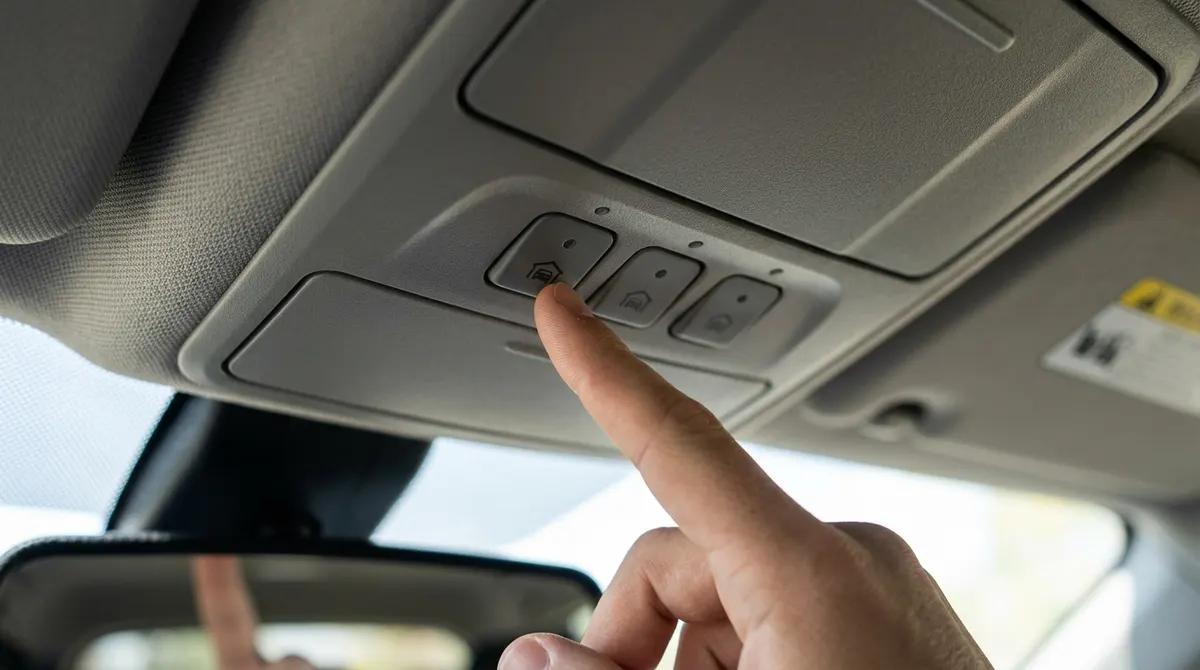
- Park outside the garage with the car running (or in accessory mode) and the door path clear.
- Hold your handheld remote 1–3 inches from the car’s HomeLink buttons.
- Press and hold both the car button you want to use and the remote button until the HomeLink light changes from slow to rapid flashing.
- Press the car button. If the door doesn’t move, the opener uses rolling codes: press the Learn button on the motor unit, then within 30 seconds press and hold the car button for 2 seconds, release, and repeat up to three times until the door moves.
Car makers’ steps vary—check your owner’s manual or the HomeLink website for your model.
Troubleshooting
- Remote won’t program: replace the remote battery; make sure the remote matches the opener’s technology (learn button color).
- Works only up close: straighten the opener’s antenna, check for LED bulbs causing interference, or replace the remote battery.
- Lock mode on: many wall controls have a lock button that blocks remotes. Hold it to turn off lock mode.
- Lost a remote? Hold the Learn button for about 6 seconds until the LED goes out to erase all remotes, then reprogram the ones you still have.