To program a Chamberlain garage door opener, press and release the Learn button on the motor unit (the light next to it glows for about 30 seconds), then within that window press and hold the remote button you want to use until the opener light flashes or you hear two clicks. Release, then press the button again to test. The exact steps depend on the color of your Learn button, which tells you which radio technology the opener uses.
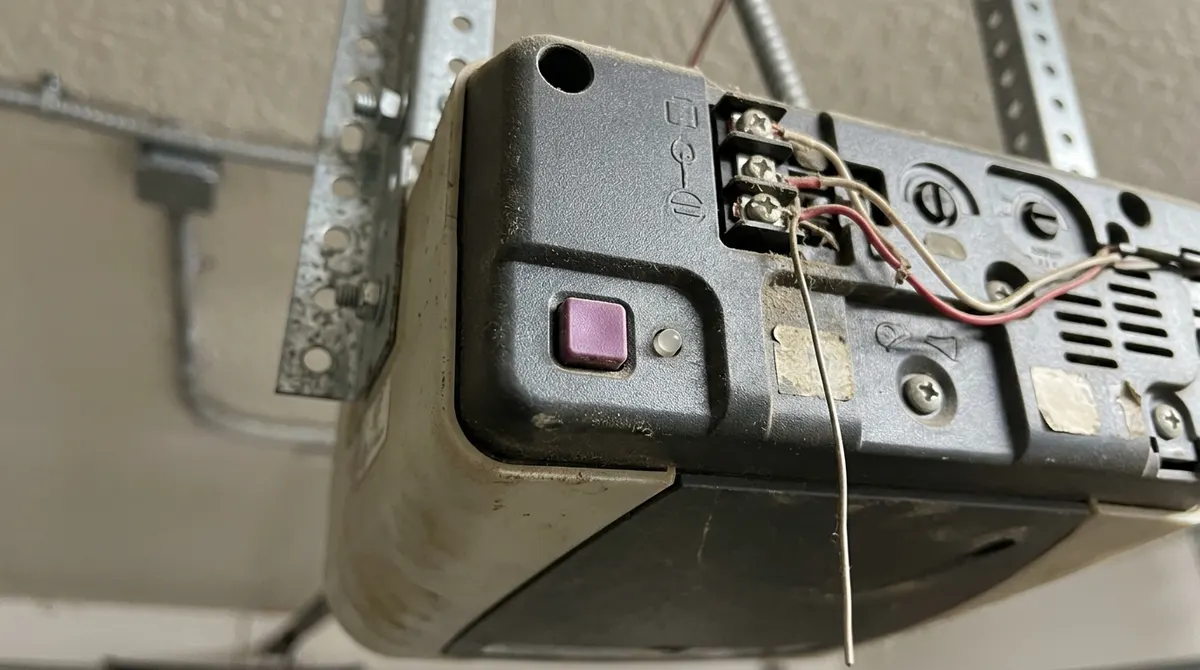
Find Your Learn Button Color
The Learn button is on the opener motor head, usually near the antenna wire or behind the light cover. Its color identifies the remote frequency and which remotes are compatible. Faded buttons can fool you: purple often looks brown and red can look orange.
| Learn button color | Technology | Approx. years | Universal remote presses* |
|---|---|---|---|
| Yellow | Security+ 2.0 (310/315/390 MHz) | 2011–present | 1 |
| Purple / brown | Security+ 315 MHz | 1997–2005 | 2 |
| Red / orange | Security+ 390 MHz | 1997–2005 | 3 |
| Green | Billion Code 390 MHz | 1993–1997 | 4 |
| White (with dip switches) | Older fixed code | Pre-1993 | Match switches |
*Press counts apply to many Chamberlain/LiftMaster universal remotes; some universal models use a different chart, so check the card that came with your remote.
How to Program a Chamberlain Remote
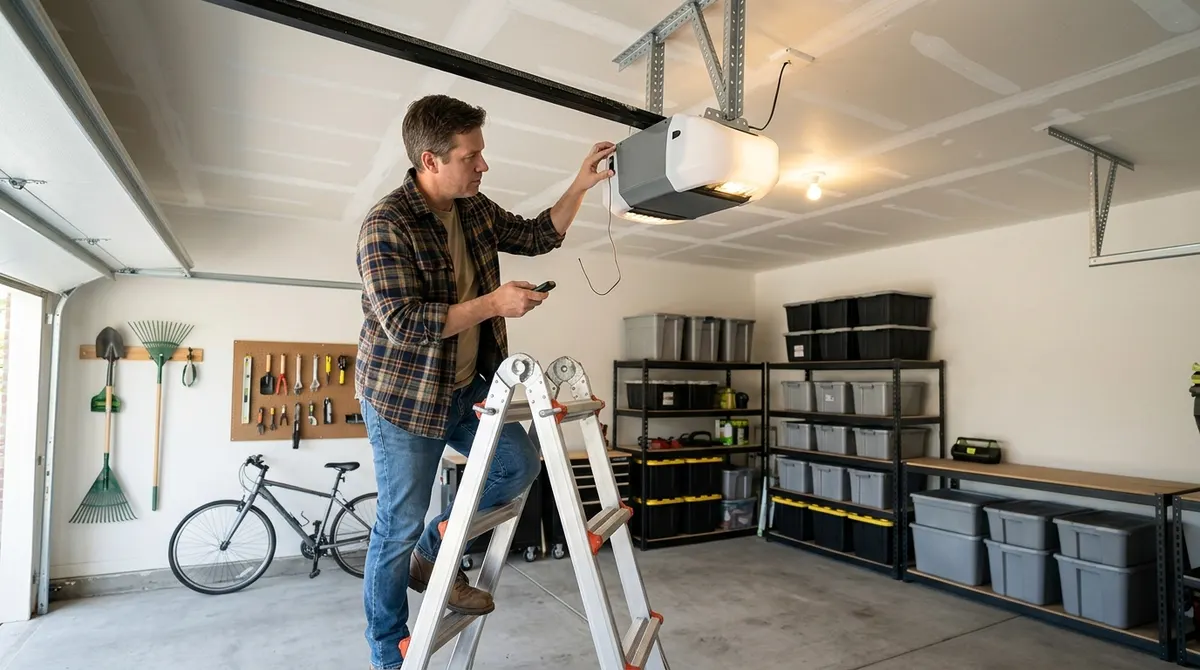
- Close the garage door and stand within reach of the opener.
- Press and release the Learn button. The LED next to it lights steadily (about 30 seconds; yellow models may allow longer).
- Within that time, press and hold the remote button you want to program.
- Release when the opener lights blink or you hear two clicks.
- Press the remote button again. The door should move. If not, repeat the steps.
Universal Remotes
- Hold the remote’s program (gear) or Learn button until its LED lights, if your model requires it.
- Press the remote button you want to use the number of times shown for your Learn button color.
- Press the Learn button on the opener, then press the same remote button again within 30 seconds.
- Test the door from a safe distance.
How to Program a Keypad
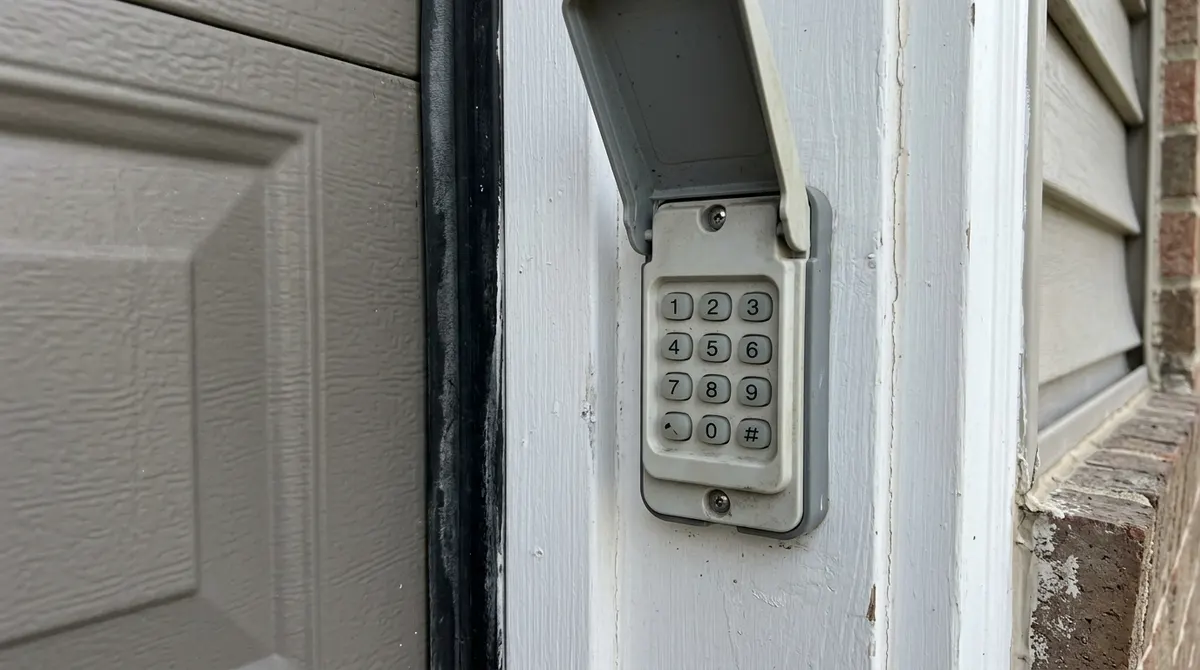
- Press and release the Learn button on the opener.
- Within 30 seconds, enter a 4-digit PIN of your choice on the keypad.
- Press and hold Enter until the opener lights flash or you hear clicks.
- Enter the PIN and press Enter to test.
How to Program Your Car to Open the Garage
Many cars have built-in buttons that can learn a Chamberlain signal. Yellow-button (Security+ 2.0) openers often need a compatibility bridge or the myQ app on newer cars, so check your vehicle manual. The general method:
- Park outside with the car running and the door clear.
- Hold your handheld remote a few inches from the car button and press both until the car’s indicator changes (often from slow to fast blinking).
- Press the opener’s Learn button, then return to the car within 30 seconds.
- Press and hold the car button for 2 seconds, release, and repeat up to three times until the door moves.
How to Erase All Remotes
If a remote was lost or you moved into a new home, press and hold the Learn button for about 6 seconds until the LED goes out. This clears every remote and keypad, so reprogram the ones you keep. Wireless keypads also need a new PIN.
Programming It Yourself
Pros
- Takes less than five minutes
- No tools needed beyond a ladder
- Clearing old codes improves security
Cons
- Learn button can be hard to reach
- Older openers may not work with new remotes
- Some cars need an adapter for Security+ 2.0
If the door still won’t close after programming, the problem is usually the safety sensors. See how to align garage door sensors and garage door opener not working.